Get Ubik App for MacOS
Get Ubik App for MacOS
Get Ubik App
for MacOS
Thank you for downloading Ubik and
follow the below steps to get started.
Please open our Desktop website to install on your PC/Mac.
Android and iOS App coming soon.
 Download for MacOS
1.
1.
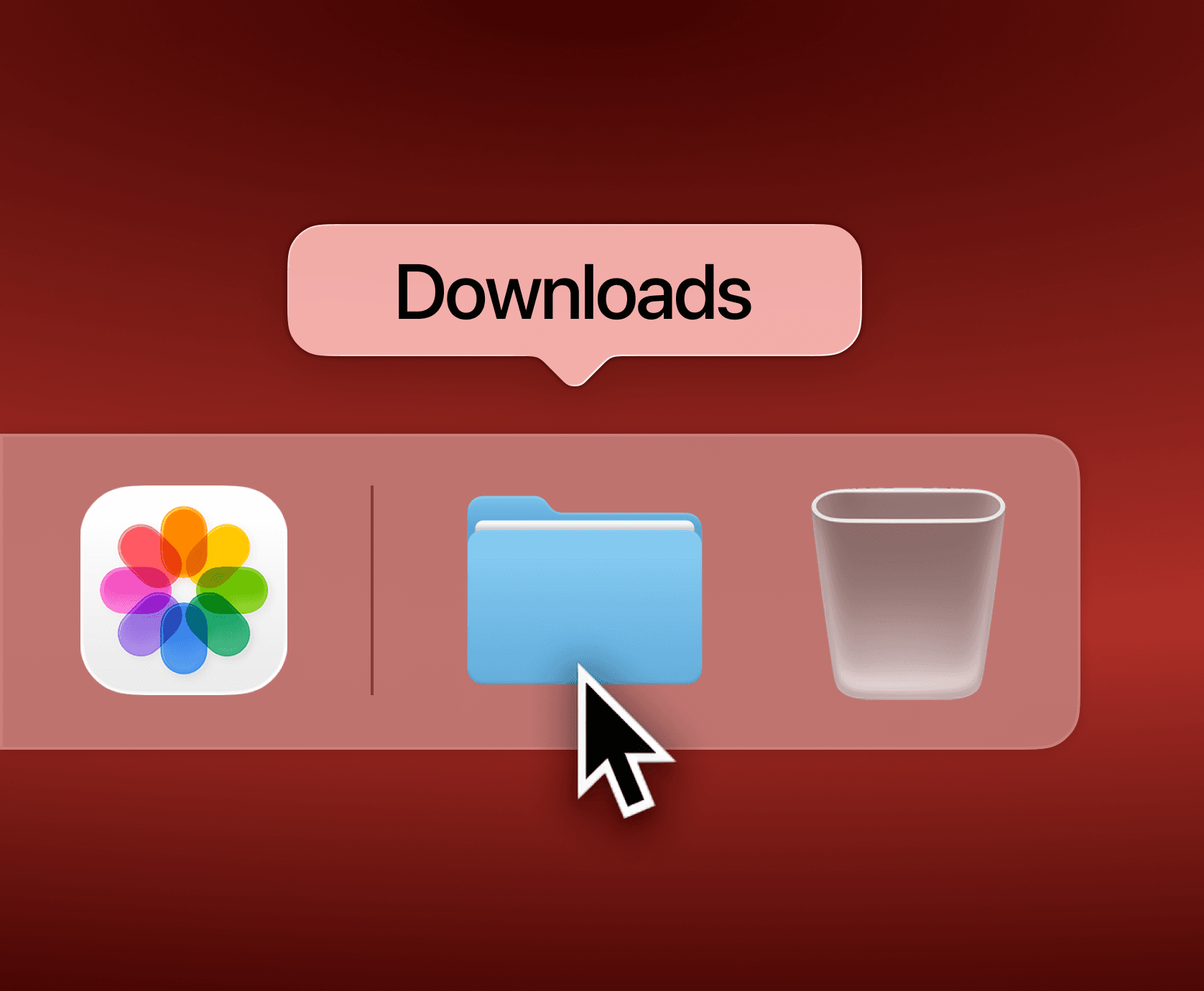
Open ubik.dmg from
your Downloads folder
Open ubik.dmg from
your Downloads folder
2.
2.
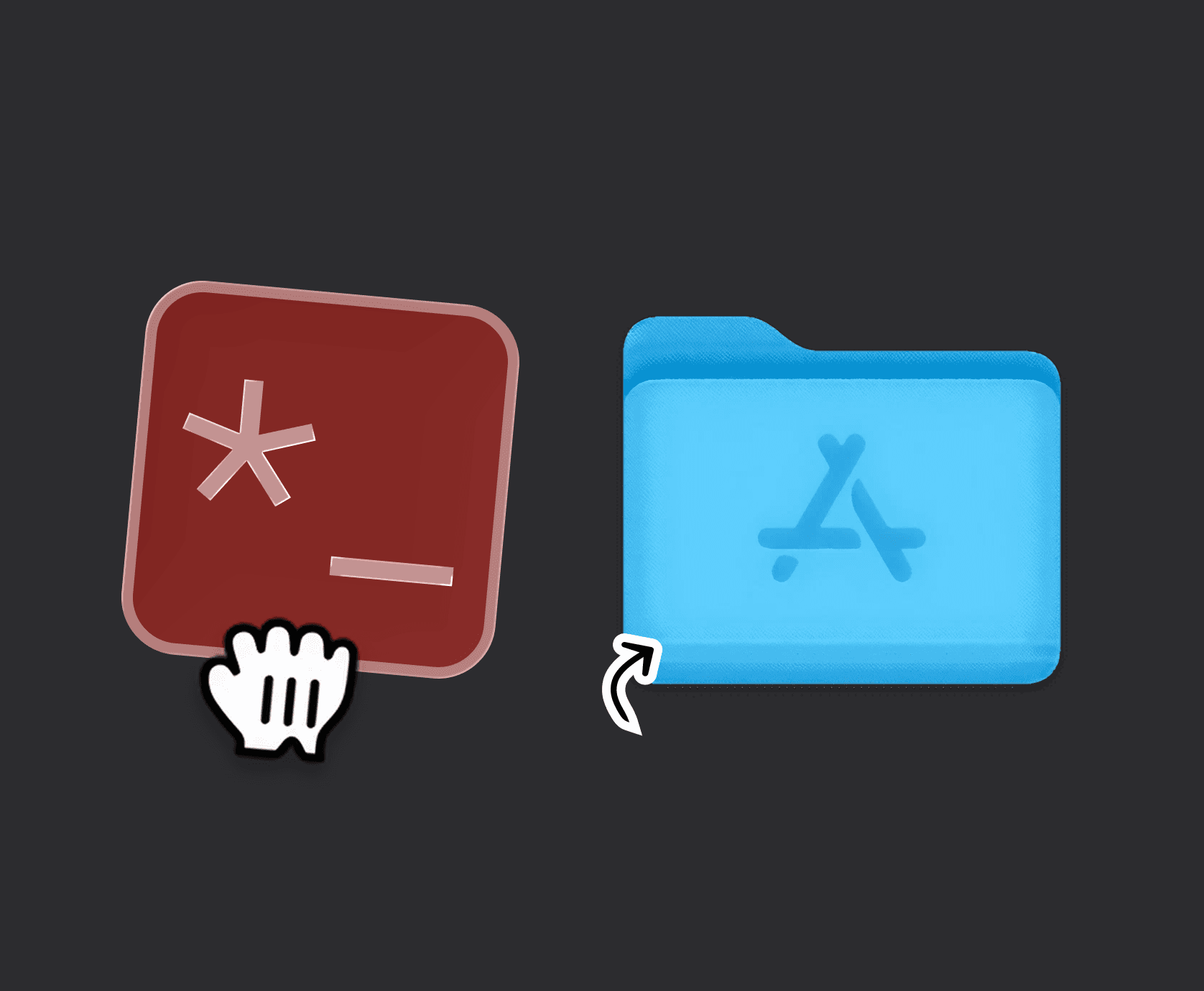
Run the installer and follow the instructions.
Grab ubik icon and drag it to Applications folder.
3.
3.
Open the ubik app from
your Applications folder.
Open the ubik app from
your Applications folder.